Applying Move Activities
Use Move activities to move entities with a specified distance and angle.
To define a move activity within a CustomBlock definition, you must apply the activity to an element and associate it with a selection set of CustomBlock entities.
You can apply a Move activity to the following elements:
- Point. Moves the entities from the selection set in any direction.
The point element defines the grip point position for the move activity in the Block reference.
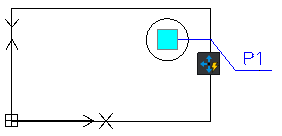
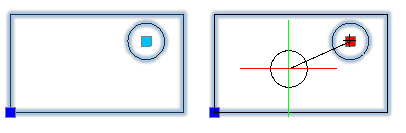
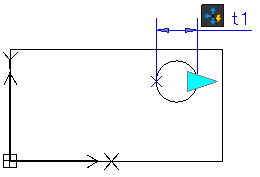
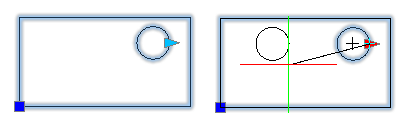
- Linear. Moves the entities from the selection set only in the direction specified by the linear element.
The linear element defines the number of grip points for the move activity as well as their position in the Block reference.
- Polar. Moves the entities from the selection set in any direction.
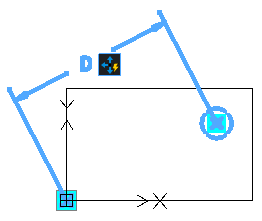
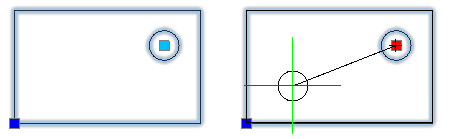
- XY. Moves the entities from the selection set in the X, Y, or XY direction specified by the element.
The XY element defines the number of grip points for the move activity as well as their position in the Block reference.
To apply a move activity to a CustomBlock definition:
- In the Block Editor, type CBActivityTool at the command prompt.
- Specify the Move option.
- In the graphics area, specify one of the following elements to associate with the activity:
- Point
- Linear
- Polar
- XY
- Specify an element main point to associate with the move activity.
- Select the entities to associate with the activity and press Enter.
The activity icon displays on the specified element.