Applying Mirror Activities
Use Mirror activity to flip entities from the selection set in the direction specified by the flip element.
Only the entities from the selection set mirror about the reflection line.
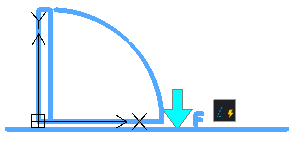
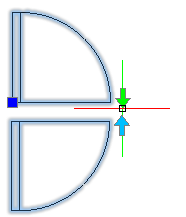
To apply a mirror activity to a CustomBlock definition:
- In the Block Editor, type CBActivityTool at the command prompt.
- Specify the Mirror option.
- In the graphics area, specify a mirror element to associate with the activity.
- Specify the entities to associate with the activity and press Enter.
The activity icon displays on the specified element.